Go to Pop!_OS website, download Pop!_OS ISO Image (NVIDIA), burn into a live USB stick. Currently the latest version is Pop!_OS 22.04 LTS. You have to use a USB keyboard, press F12 when start the computer, then install Pop!_OS.
The installation process is smooth forward without a single issue.
Change mouse to natural scrolling
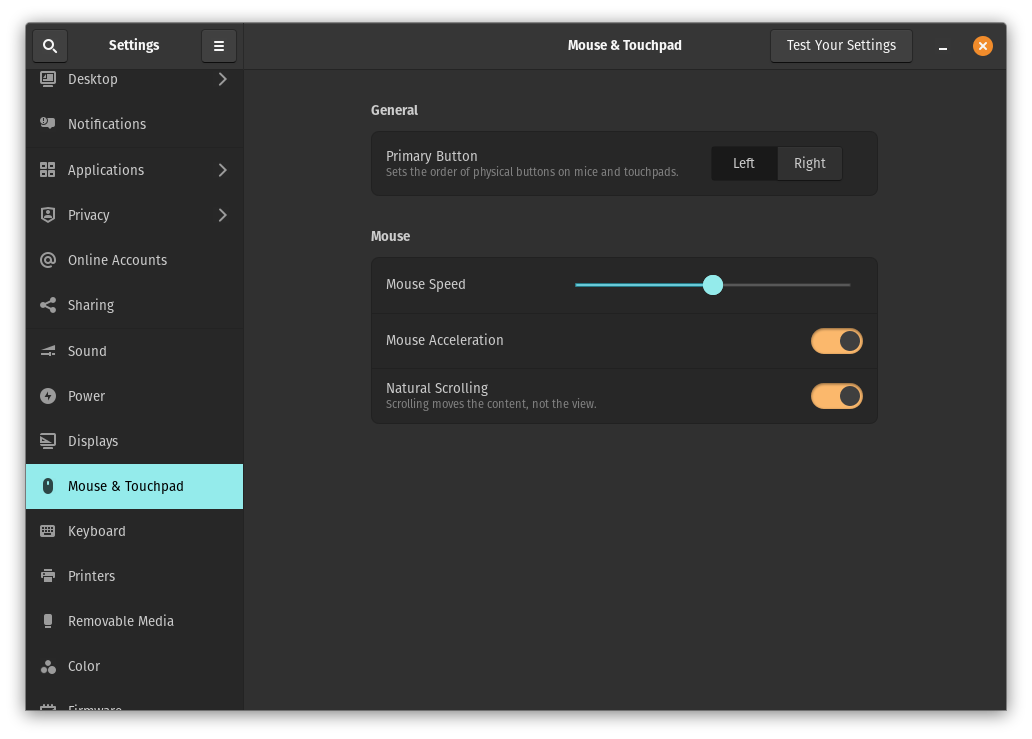
In settings -> Mouse & Touchpad, check on Natural Scrolling. Yes, I’m a heavy macOS user.
Install Chrome and make it default browser
Open Pop!Shop, search “Chrome” and install it.
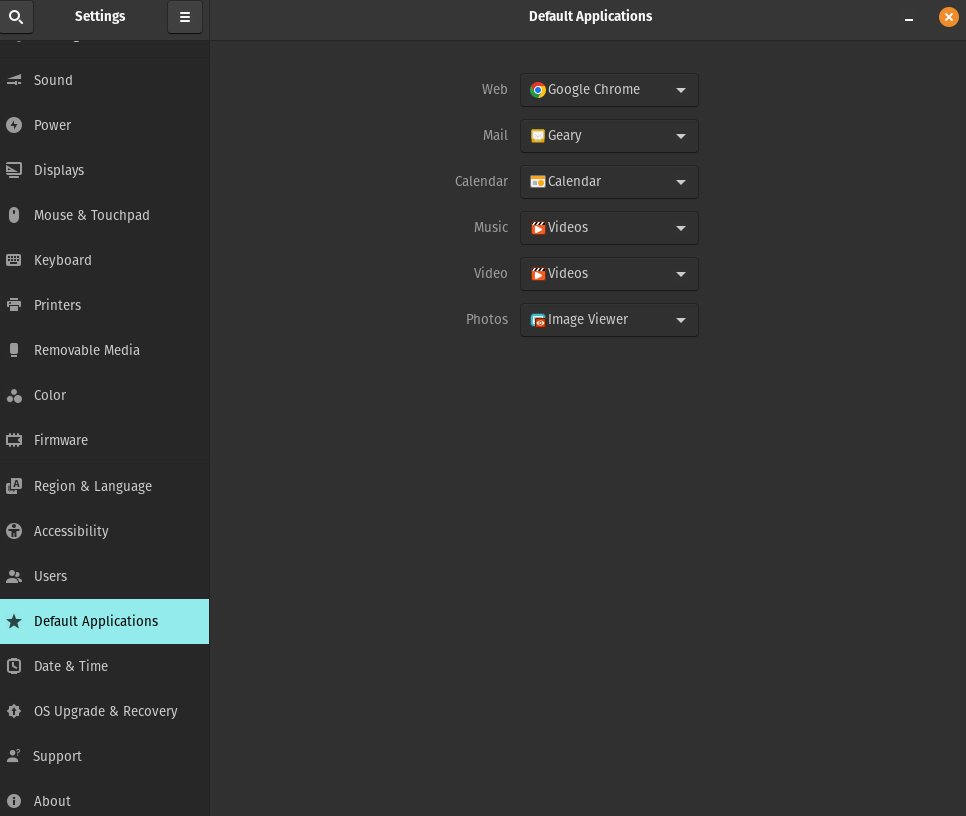
Then, change Default Application of Web to “Google Chrome”.
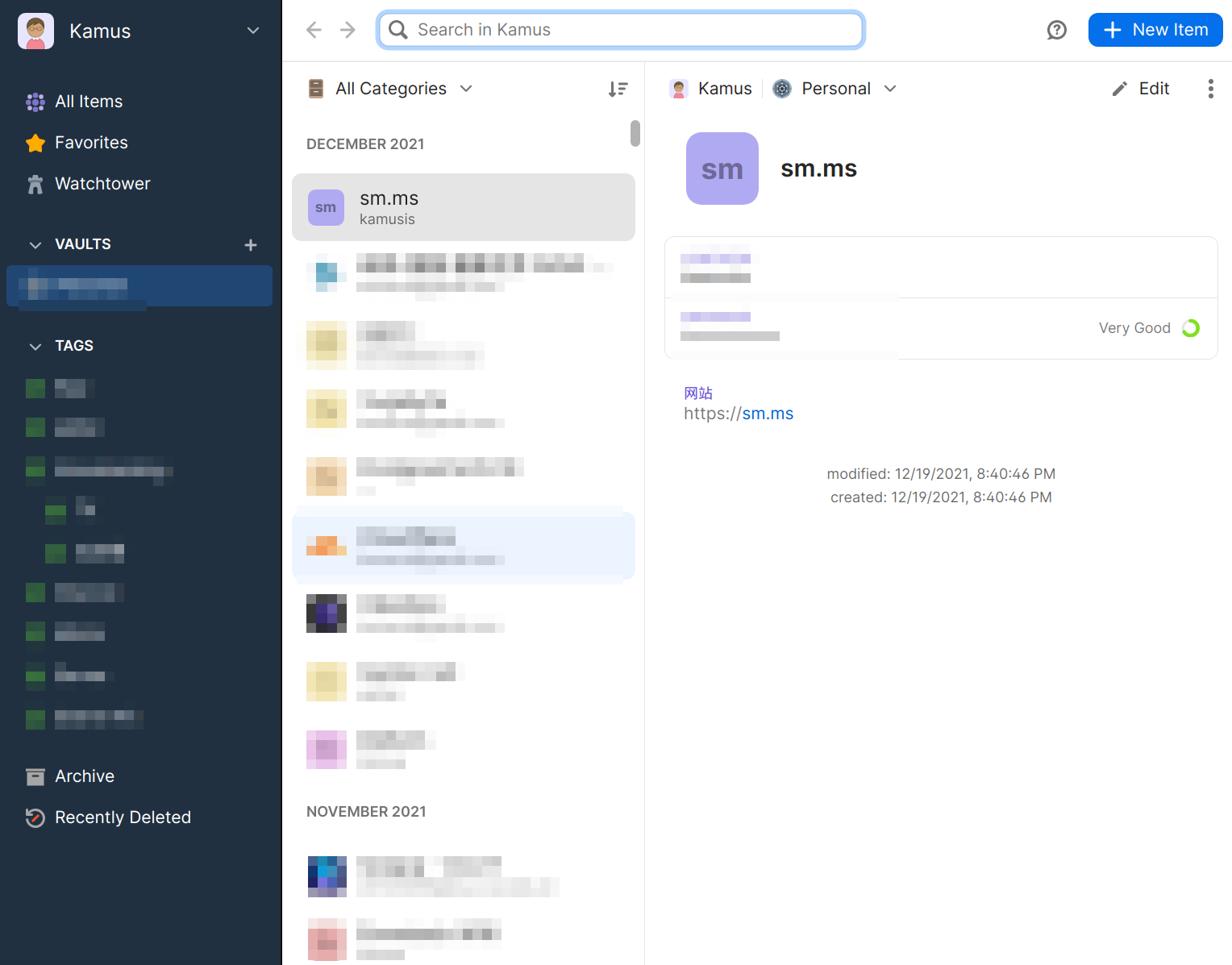
Install 1Password
1Password is a great app for store all the passwords and secrets, it can be run in macOS, Windows, Linux and Web Browser, really convenience.
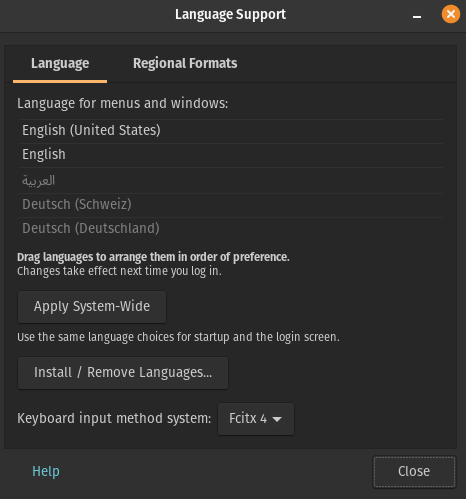
Logout system and login again, done. The default hotkey of change input method is “Ctrl+Space”, that is great, the same as I used in macOS and Windows.
所以,现在我们可以使用中文输入法了。
There is another great Chinese input method – RIME, which is running on iBus framework, can be checked from here to learn how to install and use it.
Install Typora and Obsidian
Both are great apps, I use Typora as the default markdown file viewer, and write all the markdown files in Obsidian. I love both of them.
Obsidian is a free app can be installed from Pop!Shop.
The latest version of Typora is not free anymore, but absolutely deserve the price, it can also be installed from Pop!Shop, then open it and input your serial code.
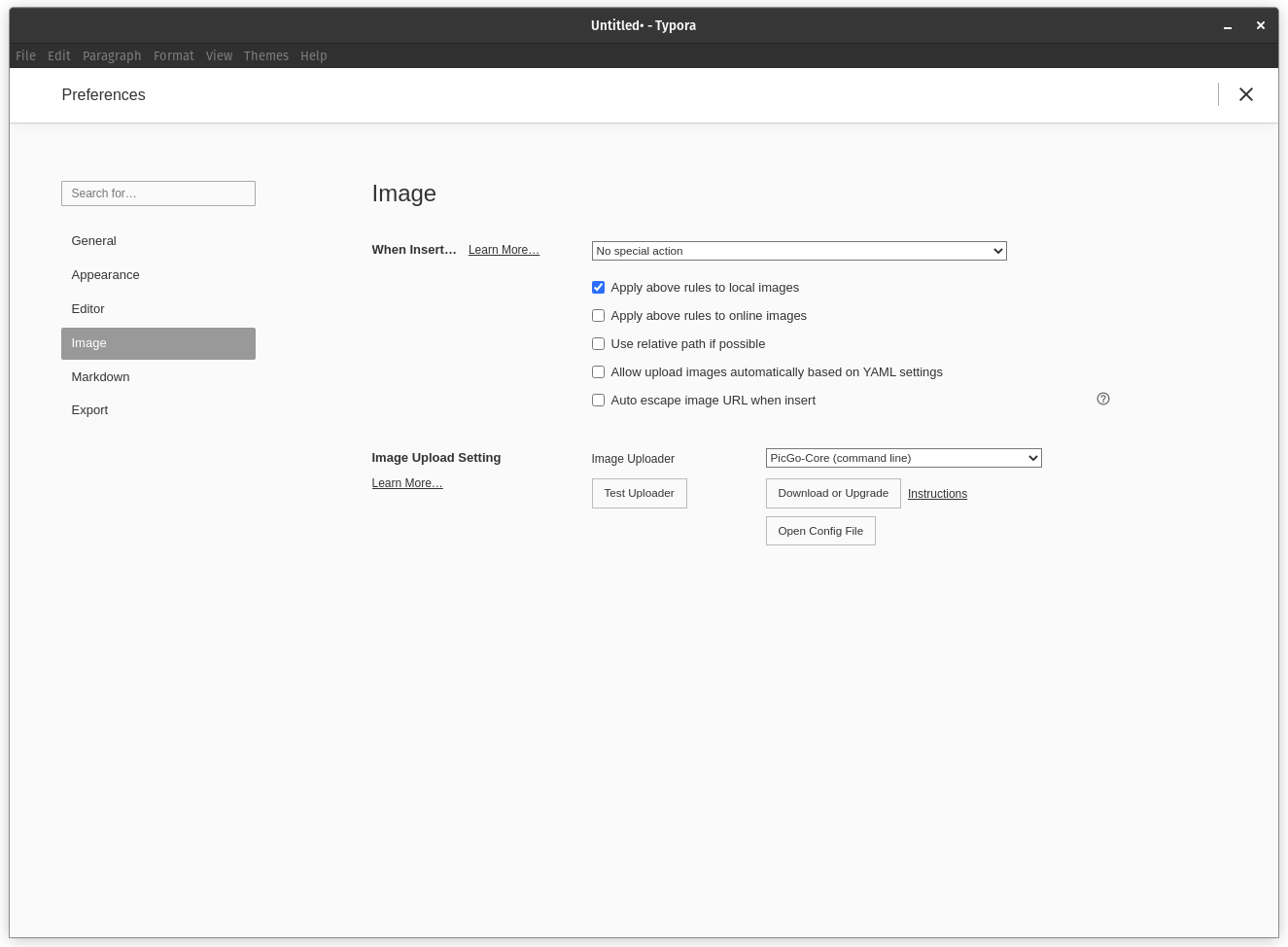
After install Typora, you can install image uploader service – PicGo-Core just from Typora settings.
Install Flameshot and set global hotkey
The oroginal screen capture of Pop OS sucks, Flameshot is a good choice to do the perfect job. To be sure installing flameshot by .deb format instead of flatpack in Pop!Shop.
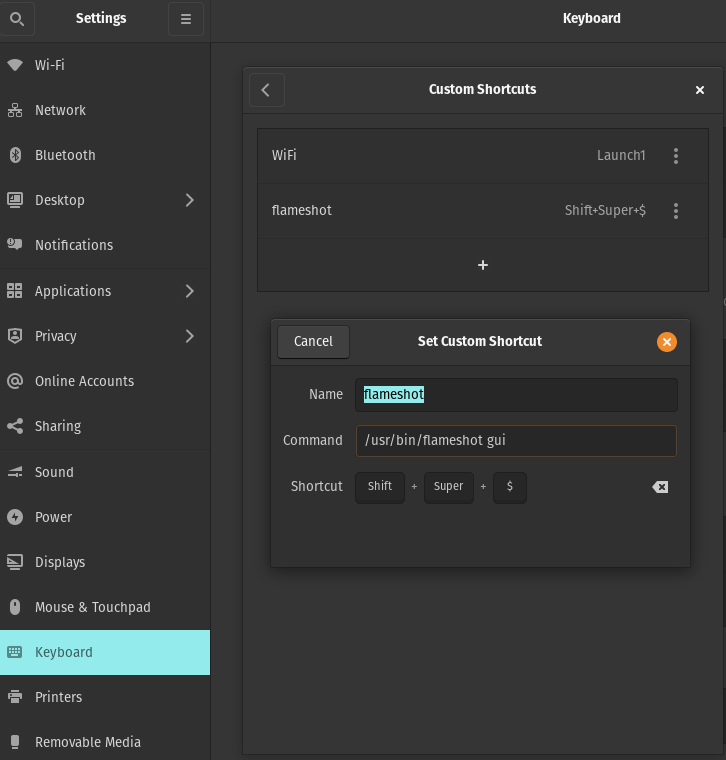
I usally use Cmd+Shift+4 to capture screen in macOS, so I decide to set the same in Pop OS. By Settings > Keyboard > View and Customize Shortcuts > Custom shortcuts, add a new shortcuts as below.
Install WPS Office
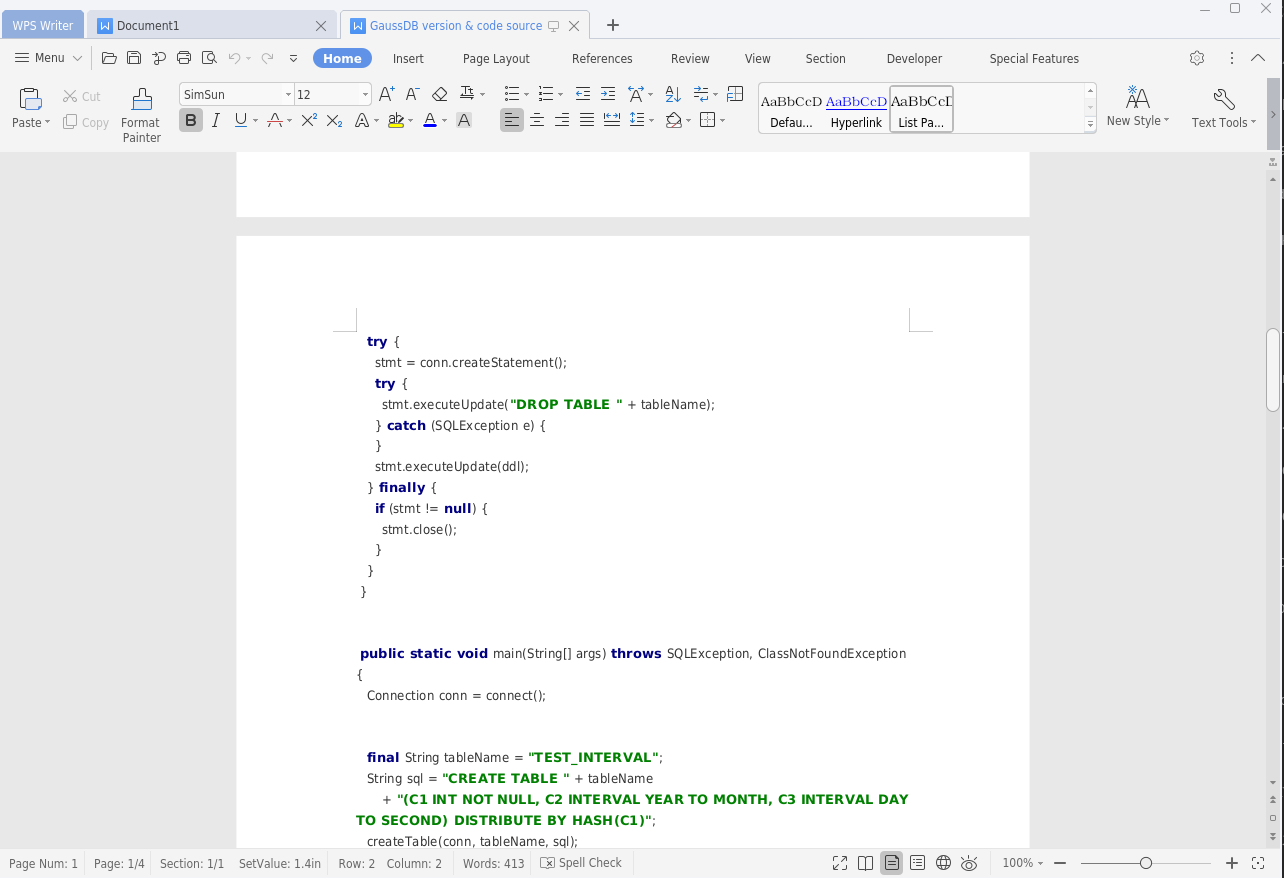
WPS office is more comfotable than LibreOffice if you are familiar with Microsoft Office. Just install it from Pop!Shop.
Beautify Terminal and fix openSSH issue
Change default shell to zsh.
$ sudo apt install zsh
$ chsh -s `which zsh`
Install zsh4humans to get a beautiful terminal expierience.
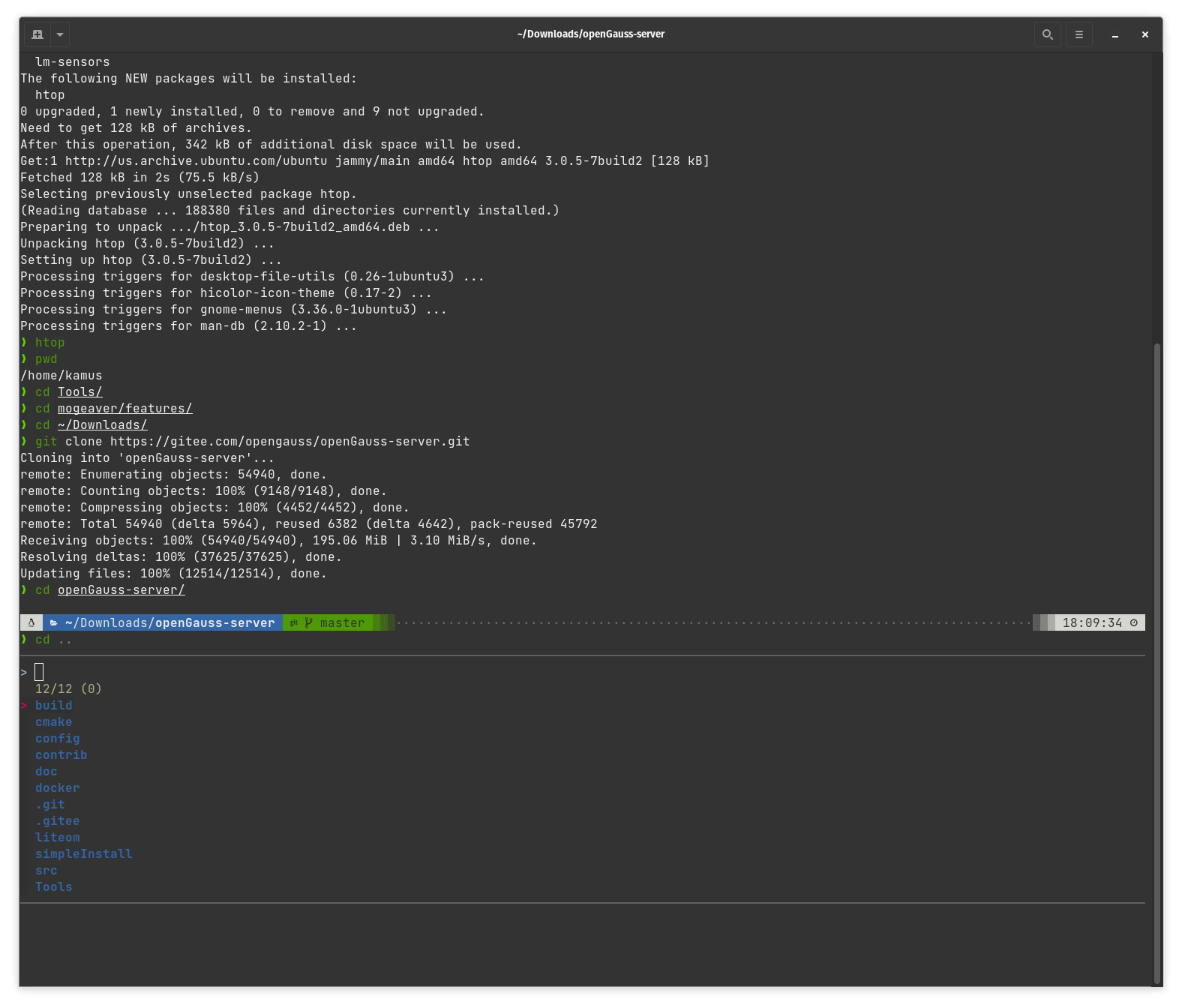
Please check out this article I wrote to see the detail configuration steps, make sure you download the font with “Mono”, Pop OS terminal’s custom font setting will only show the fonts that is mono: Make a perfect terminal experience from zero in 3 steps
If you ssh to a remote server, got error as below.
❯ ssh -i /home/kamus/Downloads/id_rsa_mogdb_ecs_jumper -p 2222 kamus@121.36.15.2
Unable to negotiate with 121.36.15.2 port 2222: no matching host key type found. Their offer: ssh-rsa
You should add some lines into /etc/ssh/ssh_config files.
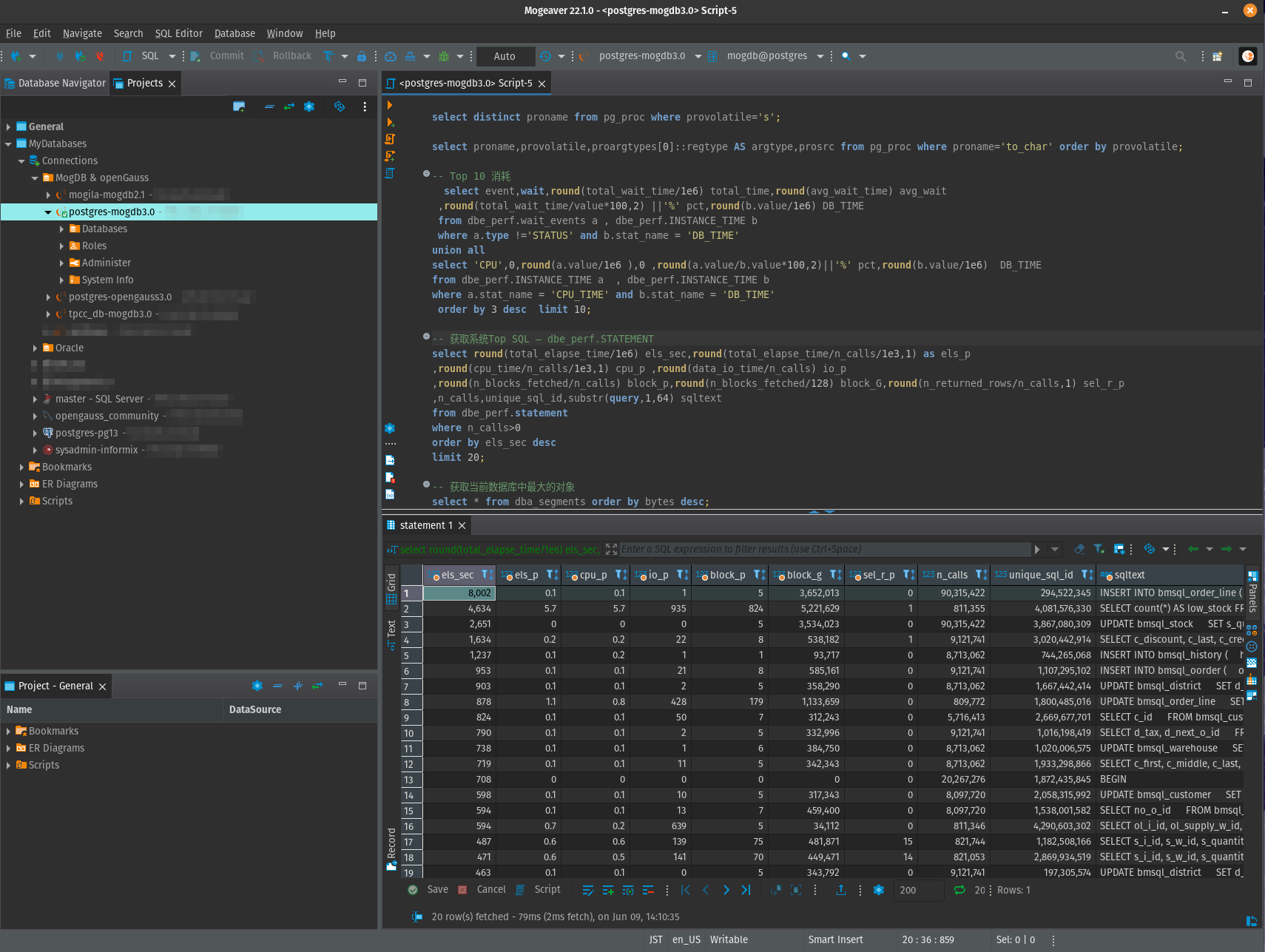
Mogeaver is the database GUI developer tool based on dbeaver, added MogDB compatible functions.
Mogeaver can be used on macOS, Linux and Windows, the Linux version is not including JRE runtime, so we have to install JRE manually before we can use Mogeaver.
$ sudo apt install default-jre
$ java -version
openjdk version "11.0.15" 2022-04-19
OpenJDK Runtime Environment (build 11.0.15+10-Ubuntu-0ubuntu0.22.04.1)
OpenJDK 64-Bit Server VM (build 11.0.15+10-Ubuntu-0ubuntu0.22.04.1, mixed mode, sharing)
Then downlaod the Mogeaver zip file, extract to any directory, double click “mogeaver” excutable file. Aha! That’s cool, right?
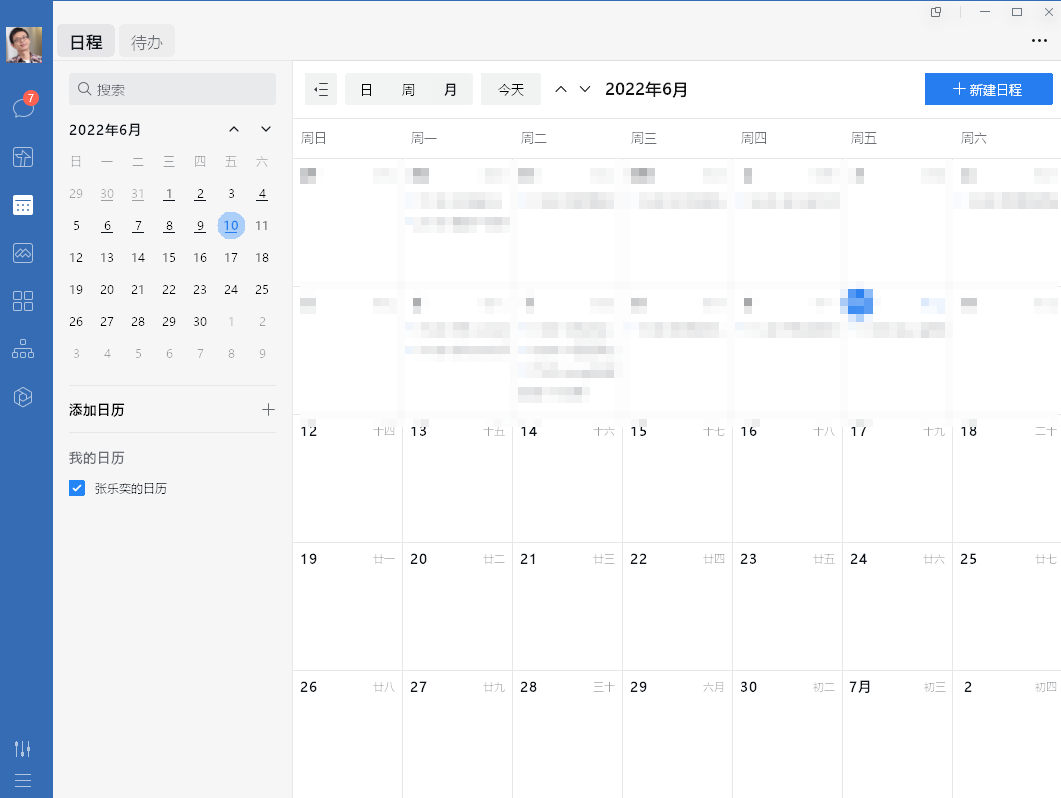
After so many years, to run WeChat and WeChat.work in Linux, still has to be running in a virtual Windows environment such as wine. I can’t help but feel resentment towards Tencent, such a huge enterprise, so many employees, they would like to create games to make money, instead of making even a little effort to create a native wechat client that supports the Linux. Please look at Slack or Discord.
Try to fix suspend issue
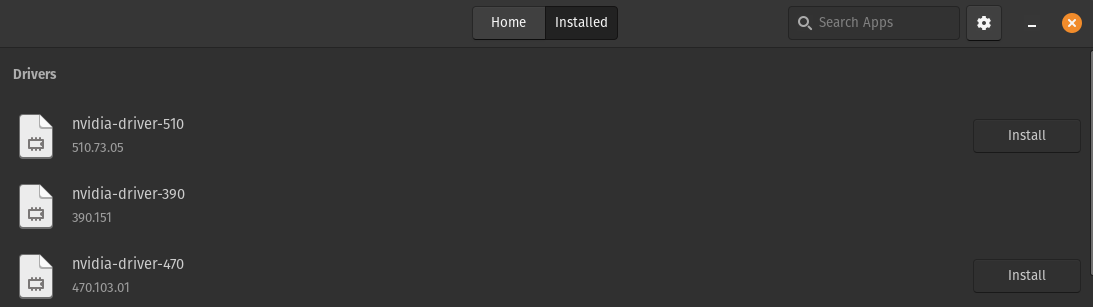
The default NVIDIA driver is nvidia-driver-510, when try to turn the computer into suspend mode, it will not wake up again, the fan will swing massively but the display keeps on black.
In Pop!shop – Installed tab, Install “nvidia-driver-470” and restart the machine.
But with no luck. Now this is the last unresolved issue that I met in Pop!OS.
Final
Pop!OS maybe is the best Linux desktop distro I’ve tried, compared to Ubuntu, Oracle Linux, Deepin and the popular Manjaro.