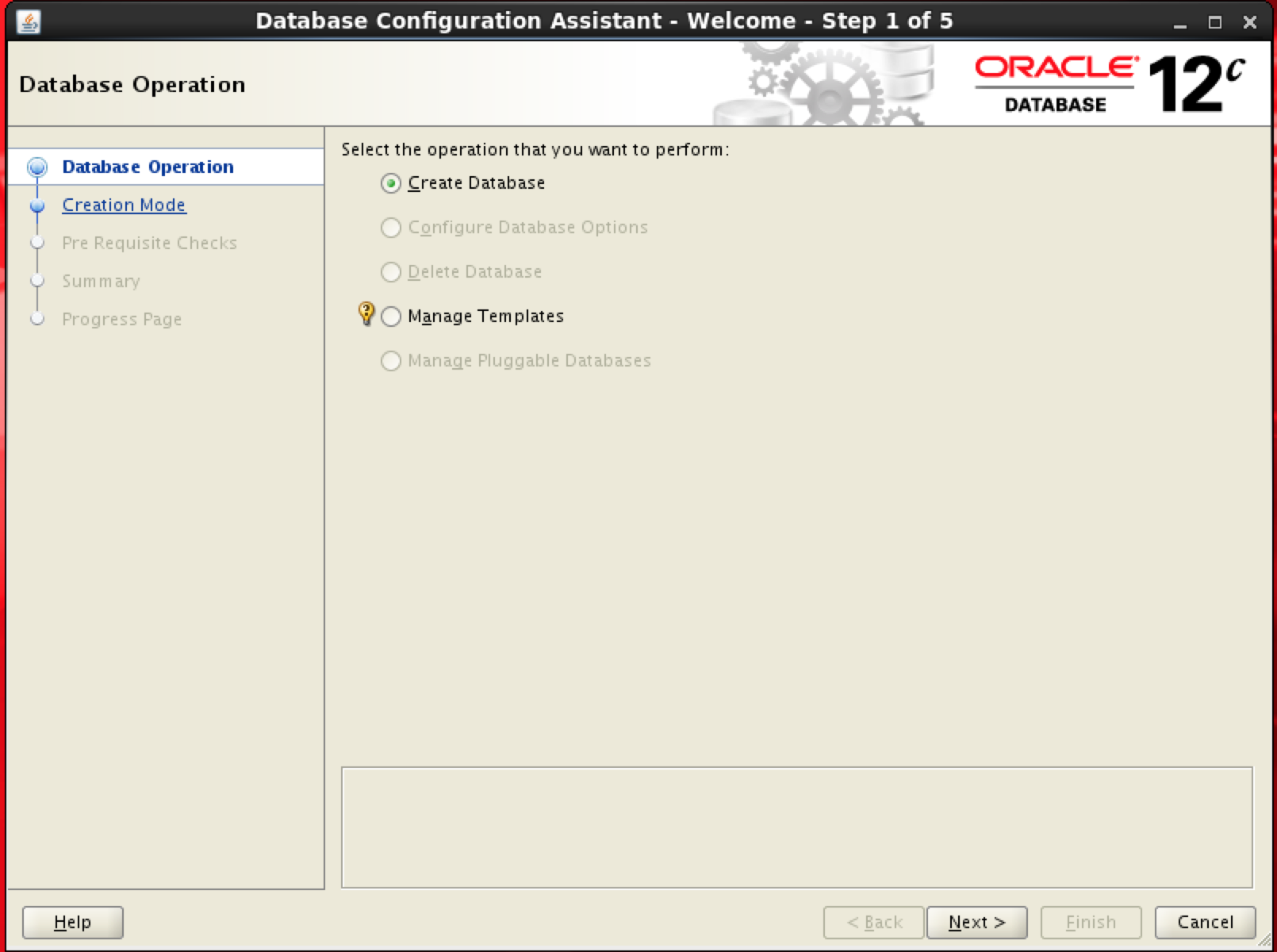
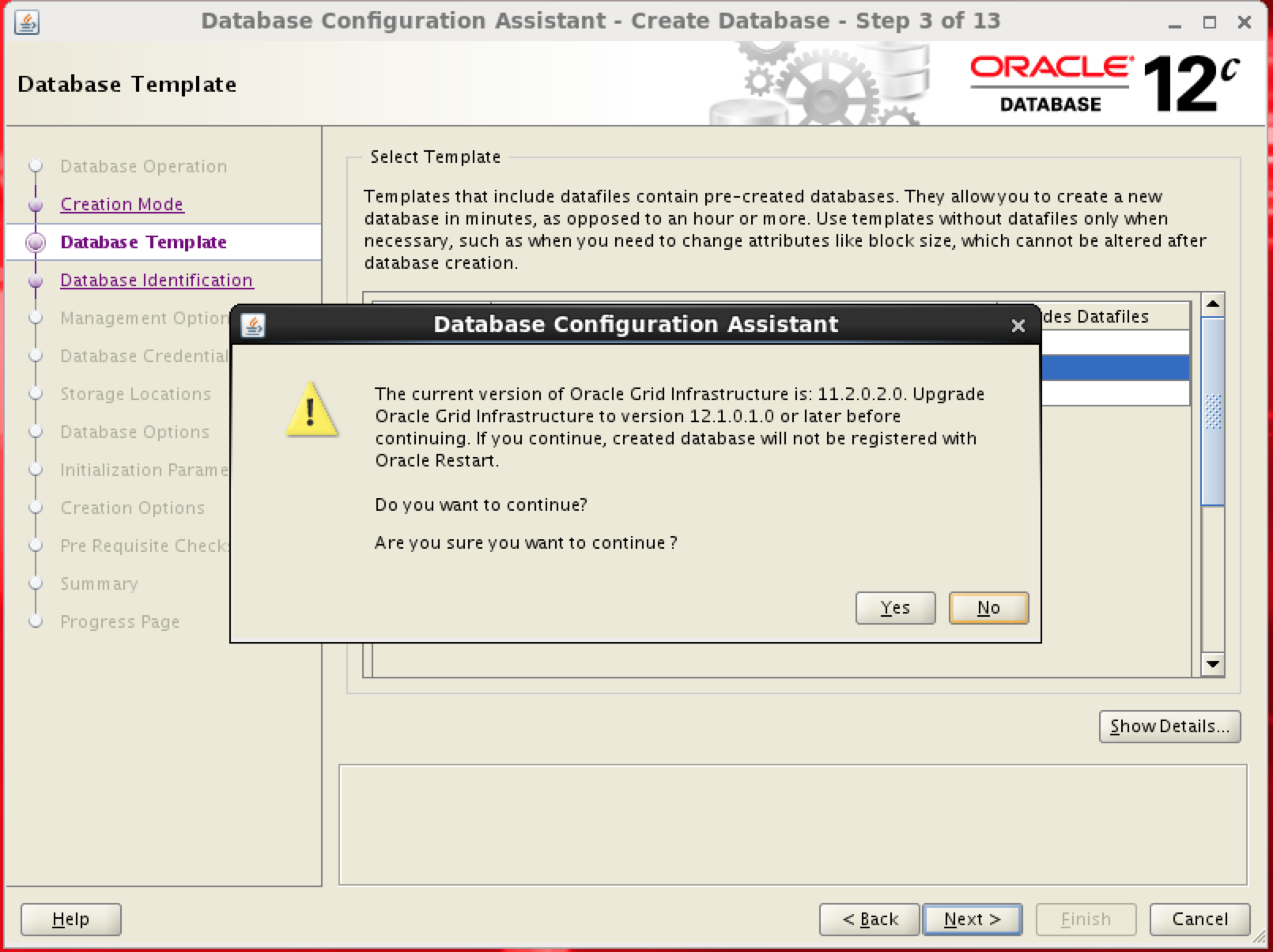
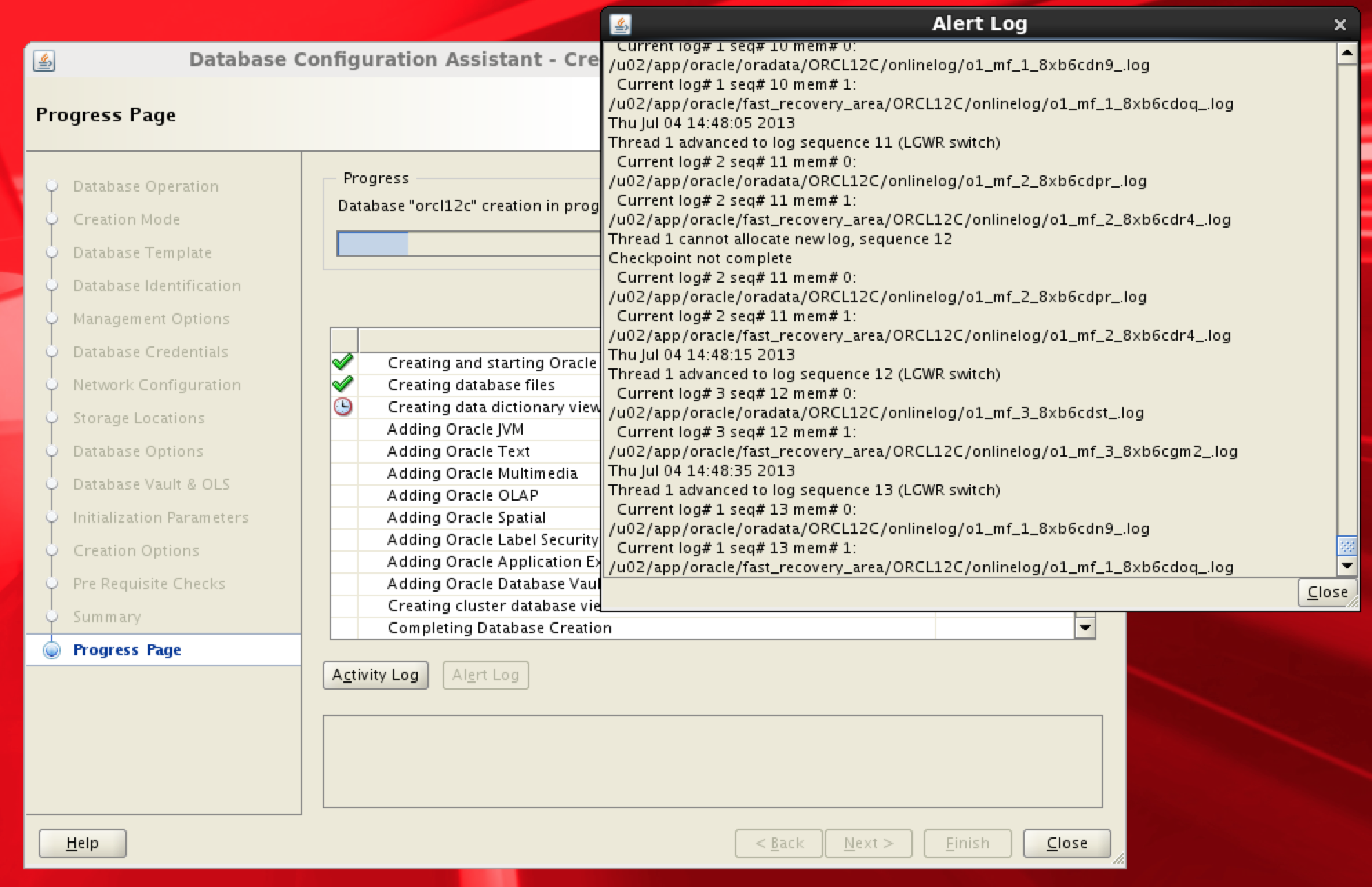
这篇文章也许并不太牵涉什么技术点,只是描述一下我自己在学习的时候大概是什么状态,什么思路,因为自认自己的学习能力还不错,因此也期望这样的学习方法对其他人会有帮助。看这篇文章的时候,你可以同步地想一想如果是你遇到这样的错误,你会怎么处理,怎么发散,怎么研究?
Oracle Database 12c前几天正式发布了,如果学习一个新版本的数据库?我通常是从New Features Guide文档看起,先通览文档的目录,遇到感兴趣的新功能点,就开始做实验来验证这个新功能。当然,这之前需要先把新版本的数据库安装好,先把新版本的全部文档下载到本地,这样即使你坐在飞机上也可以有文档可查。
这次我的计划是实验一下Identity类型的字段,这个字段可以用来作主键,会自动递增,这种类型的字段在SQL Server中早就存在,但是Oracle直到12c才推出这个功能。
通常我不会用sys用户进行任何实验(除非是验证sysdba的新功能),因此总是会先创建一个我自己的dba用户。
在12c中创建这个用户首先就遇到了错误。
SQL> create user kamus identified by oracle default tablespace users;
create user kamus identified by oracle default tablespace users
            *
ERROR at line 1:
ORA-65096: invalid common user or role name
对于一个不熟悉的错误,第一件事情不是去Google(如果你说Baidu那就更幼稚了),而是用oerr实用程序来看看Oracle自己对这个错误是怎么解释的。为什么我喜欢非Windows环境中的Oracle?oerr的存在也是很大一个原因。
[oracle@dbserver-oel ~]$ oerr ora 65096
65096, 00000, "invalid common user or role name"
// *Cause:  An attempt was made to create a common user or role with a name
//          that wass not valid for common users or roles.  In addition to
//          the usual rules for user and role names, common user and role
//          names must start with C## or c## and consist only of ASCII
//          characters.
// *Action: Specify a valid common user or role name.
//
错误信息的解析非常明确地告知“试图创建一个通用用户,必需要用C##或者c##开头”,这时候心里会有疑问,什么是common user?但是我通常不会先急着去翻文档,而是先把手头的事情做完,也就是先把用户创建上。
SQL> create user c##kamus identified by oracle default tablespace users;

User created.

SQL> grant dba to c##kamus;

Grant succeeded.

SQL> select USERNAME,COMMON,ORACLE_MAINTAINED from dba_users;

USERNAME                       COM O
------------------------------ --- -
AUDSYS                         YES Y
GSMUSER                        YES Y
SPATIAL_WFS_ADMIN_USR          YES Y
SPATIAL_CSW_ADMIN_USR          YES Y
APEX_PUBLIC_USER               YES Y
SYSDG                          YES Y
DIP                            YES Y
SYSBACKUP                      YES Y
MDDATA                         YES Y
GSMCATUSER                     YES Y
C##KAMUS                       YES N
SYSKM                          YES Y
XS$NULL                        YES Y
OJVMSYS                        YES Y
ORACLE_OCM                     YES Y
OLAPSYS                        YES Y
SI_INFORMTN_SCHEMA             YES Y
DVSYS                          YES Y
ORDPLUGINS                     YES Y
XDB                            YES Y
ANONYMOUS                      YES Y
CTXSYS                         YES Y
ORDDATA                        YES Y
GSMADMIN_INTERNAL              YES Y
APPQOSSYS                      YES Y
APEX_040200                    YES Y
WMSYS                          YES Y
DBSNMP                         YES Y
ORDSYS                         YES Y
MDSYS                          YES Y
DVF                            YES Y
FLOWS_FILES                    YES Y
SYS                            YES Y
SYSTEM                         YES Y
OUTLN                          YES Y
LBACSYS                        YES Y

36 rows selected.
创建C##KAMUS用户成功之后,再返回去解决心中的疑问,什么是common user?在联机文档的左上角搜索关键字common user,会得到如下的结果。
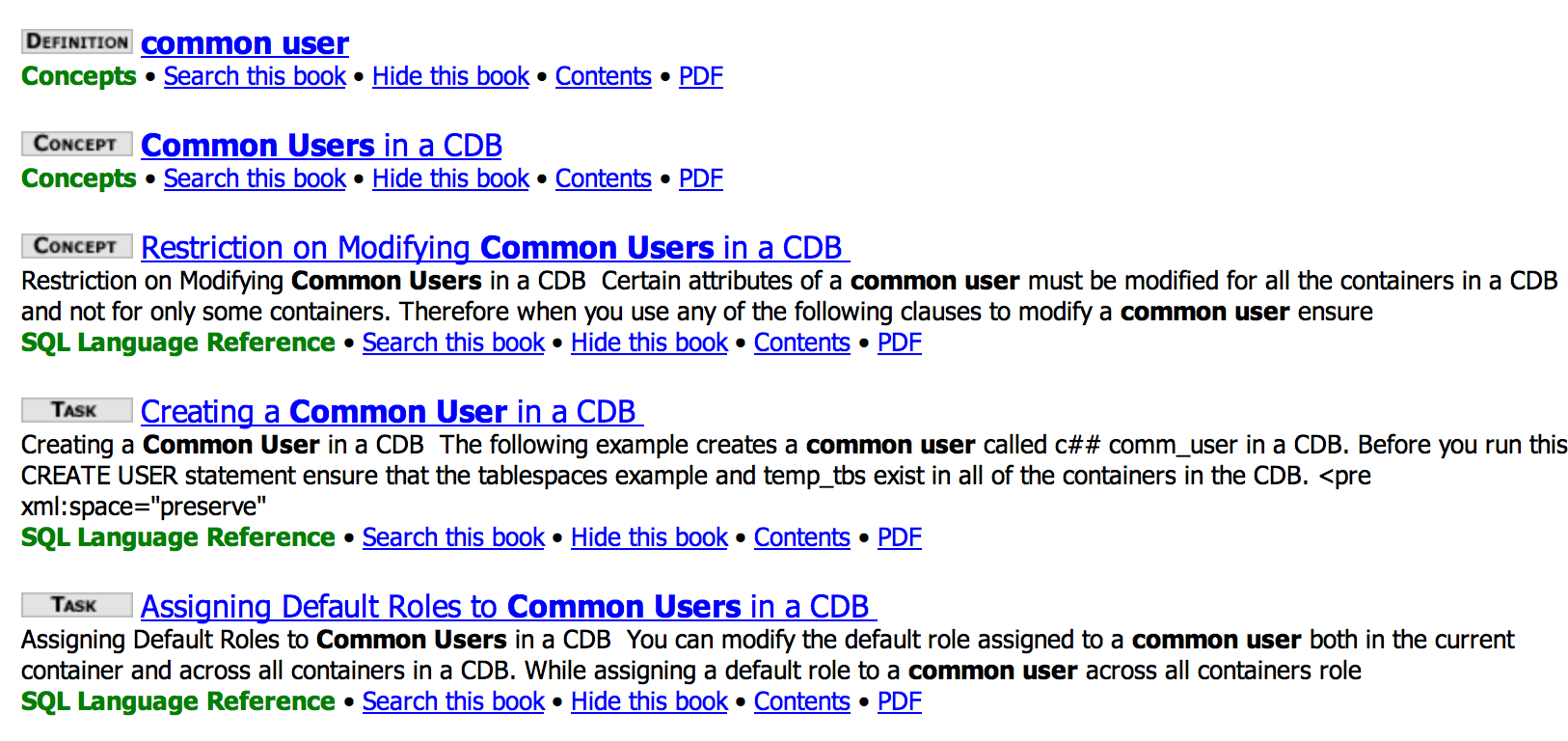
通常我会先浏览Concept,如果看完觉得心中疑问已经解决,就会返回继续作之前的实验,不会再浏览其他的链接;如果想要查询怎么做,比如说如何创建Common User,才会继续去看Task部分。这样的好处是可以保持专注而不至于被过多文档分心。
但是由于Common User这个概念几乎是崭新的,所以我很有兴趣继续探索一下,跟Common User相对的Local User该如何创建。继续去看Task当然是个方法,但是这里我选择的是直接去看SQL Language Reference,因为我们知道一定是在Create User语法里面会有不同的定义,进入Create User语法页面,直接搜索common user,就可以看到如下这段话。
CONTAINER Clause
To create a local user in a pluggable database (PDB), ensure that the current container is that PDB and specify CONTAINER = CURRENT. To create a common user, ensure that the current container is the root and specify CONTAINER = ALL. The name of the common user must begin with C## or c##. If you omit this clause and the current container is a PDB, then CONTAINER = CURRENT is the default. If you omit this clause and the current container is the root, then CONTAINER = ALL is the default.
也就是说我们一定要先登录进一个PDB,才可以创建本地用户,那么如何知道现在的sqlplus是登录进了哪个DB呢?这个疑问其实是一个很简单的联想,既然需要去一个地方,那么一定有方法知道我现在在什么地方,通过简单地查询文档,可以得知以下的方法。现在确实在CDB中。
SQL> show con_name

CON_NAME
------------------------------
CDBROOT

SQL> SELECT SYS_CONTEXT ('USERENV', 'CON_NAME') FROM DUAL;

SYS_CONTEXT('USERENV','CON_NAME')
-----------------------------------------------
CDBROOT
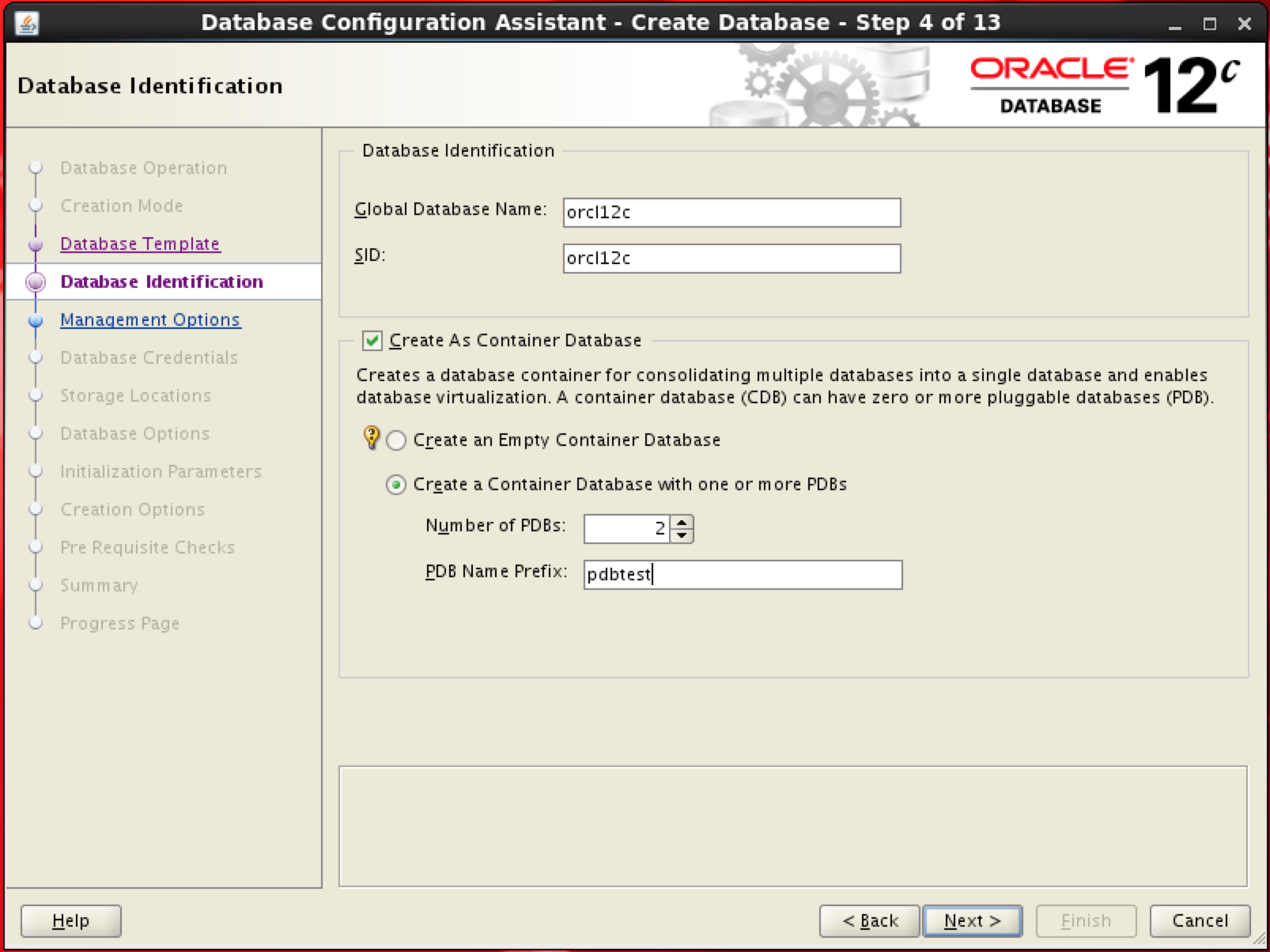
dbca建库的时候,有一个新选项是同时创建PDB,我勾选过(对于dbca中出现的新选项,如果不是条件不允许,我都会选中进行测试),创建了名字为pdbtest的PDB,那么现在我想尝试登录这个PDB,去创建一个Local User。如何登录PDB?Administrator’s Guide中有专门新的一个章节“Part VI Managing a Multitenant Environment”来描述如何管理多租户环境,浏览目录就可以直接找到“Connecting to a PDB with SQL*Plus”这部分,如下所示。
You can use the following techniques to connect to a PDB with the SQL*Plus CONNECT command:
Database connection using easy connect
Database connection using a net service name
那尝试直接使用easy connect来登录PDB。
$ sqlplus sys/oracle@127.0.0.1:15210/pdbtest as sysdba

SQL*Plus: Release 10.2.0.4.0 - Production on Sat Jul 6 21:44:42 2013

Copyright (c) 1982, 2007, Oracle.  All Rights Reserved.


Connected to:
Oracle Database 12c Enterprise Edition Release 12.1.0.1.0 - 64bit Production
With the Partitioning, OLAP, Advanced Analytics and Real Application Testing options

SQL>  SELECT SYS_CONTEXT ('USERENV', 'CON_NAME') FROM DUAL;

SYS_CONTEXT('USERENV','CON_NAME')
------------------------------------------
PDBTEST

Elapsed: 00:00:00.01

SQL>  select NAME,PDB from dba_services;
 select NAME,PDB from dba_services
                      *
ERROR at line 1:
ORA-01219: database or pluggable database not open: queries allowed on fixed tables or views only
PDB没有Open?尝试打开。无法使用startup命令。这是显而易见的。 原因是我使用了旧版本的SQL*Plus(如上所示是10.2.0.4.0)连接到12c数据库的PDB中,某些新特性不被支持。
SQL> startup
ORA-24543: instance startup or shutdown not allowed in pluggable database
使用12c自带的SQL*Plus登录,就可以使用startup命令将PDB打开,使用SQL*Plus管理PDB的详细命令可以参看文档描述。
SQL> show user
USER is "SYS"
SQL> startup
Pluggable Database opened.
SQL>
SQL> show con_name

CON_NAME
------------------------------
PDBTEST
或者可以使用如下语句打开PDB。
SQL> ALTER PLUGGABLE DATABASE OPEN;

Operation 227 succeeded.

Elapsed: 00:00:02.44

SQL> SELECT NAME, OPEN_MODE, RESTRICTED, OPEN_TIME FROM V$PDBS;

NAME			       OPEN_MODE  RES OPEN_TIME
------------------------------ ---------- --- ------------------------------------------------
PDBTEST 		       READ WRITE NO  06-JUL-13 09.48.57.260 PM
到此,可以创建Local User了。
SQL> create user kamus identified by oracle;

User created.

Elapsed: 00:00:00.10
SQL> grant dba to kamus;

Grant succeeded.

Elapsed: 00:00:00.03
那么在一个PDB中可以看到多少用户呢?可以看到CDB中的用户吗?这又是一个简单的联想,学习的过程其实是一个发散再收缩的循环。看来不可以,只能看到自己的用户,当然这里有很多Common User。可以看到即使是在PDB中,cdb_视图也是可以使用的。
SQL> select CON_ID,count(*) from cdb_users group by con_id;

    CON_ID   COUNT(*)
---------- ----------
	 3	   38

Elapsed: 00:00:00.03
那么再回到CDB中看一下,会是什么情况?可以看到所有Container中的用户都可以查询到。
SQL> select CON_ID,count(*) from cdb_users group by con_id;

    CON_ID   COUNT(*)
---------- ----------
         1         36
         2         35
         3         38

Elapsed: 00:00:00.08
终于,我可以回到最开始的实验目标上去了,在PDB中创建了T1表,id列为Identity类型。
SQL> CREATE TABLE t1 (id NUMBER GENERATED AS IDENTITY);

Table created.

Elapsed: 00:00:00.22
根据文档描述,Identity类型仍然是通过Sequence来实现的,那么应该是自动创建了一个Sequence,果然如此。在你学习的过程中会多此一步来查询一下Sequence视图吗?
默认创建的Sequence,CACHE_SIZE是20,开始值是1,这都跟单独创建的Sequence默认值一样。
插入一条数据试一下,报错报错还是报错。所以如果是generated always的identity列,如果只有这一列,没法插入数据。
SQL> insert into t1 values('');
insert into t1 values('')
*
ERROR at line 1:
ORA-32795: cannot insert into a generated always identity column


Elapsed: 00:00:00.01

SQL> insert into t1 values(ISEQ_91620.nextval);
insert into t1 values(ISEQ_91620.nextval)
*
ERROR at line 1:
ORA-32795: cannot insert into a generated always identity column


Elapsed: 00:00:00.00

SQL> insert into t1 values(null);
insert into t1 values(null)
*
ERROR at line 1:
ORA-32795: cannot insert into a generated always identity column


Elapsed: 00:00:00.00
换GENERATED BY DEFAULT ON NULL 类型试一下,Wait,如果删除了表,对应的序列会自动删除吗?理论上应该会,当然还是要测试一下。
SQL> drop table t1;

Table dropped.

Elapsed: 00:00:00.19
序列还在?
再建一张表。
SQL> CREATE TABLE t2 (id NUMBER GENERATED BY DEFAULT AS IDENTITY);

Table created.

Elapsed: 00:00:00.01
现在是2个序列了。
SQL> select * from user_sequences;

SEQUENCE_NAME															  MIN_VALUE  MAX_VALUE
-------------------------------------------------------------------------------------------------------------------------------- ---------- ----------
INCREMENT_BY C O CACHE_SIZE LAST_NUMBER PARTITION_COUNT S K
------------ - - ---------- ----------- --------------- - -
ISEQ_91620																  1 1.0000E+28
	   1 N N	 20	      1 		N N

ISEQ_91622																  1 1.0000E+28
	   1 N N	 20	      1 		N N


Elapsed: 00:00:00.00
写完整的Drop语句试一下。
SQL> drop table t2 cascade constraint purge;

Table dropped.

Elapsed: 00:00:00.12
后创建的序列已经被自动删除了,之前创建的还在。
两者的不同应该是purge,如果被删除的表还在回收站中,序列是会保留的,Make sense,因为表还可能从回收站里面再restore回来,需要保证序列仍然有效。那么清空回收站实验一下。
SQL> purge recyclebin;

Recyclebin purged.

Elapsed: 00:00:00.04
果然,序列也相应地被删除了。
SQL> select * from user_sequences;

no rows selected

Elapsed: 00:00:00.00
再回到正题,创建T3表,插入一条数据。
SQL> CREATE TABLE t3 (id NUMBER GENERATED BY DEFAULT ON NULL AS IDENTITY);

Table created.

Elapsed: 00:00:00.01
SQL> insert into t3 values(null);

1 row created.

Elapsed: 00:00:00.01
序列的LAST_NUMBER已经增加为21。
后台如何操作的?使用10046 trace,再插入几条数据。
SQL> insert into t3 values(null);

1 row created.

SQL> insert into t3 values(null);

1 row created.

SQL> select * from t3;

	ID
----------
	 1
	 2
	 3
到此为止,可以休息一下了,从ORA-65096开始大概花费了1个多小时的时间,我学习到了:
1. 什么是Common User,什么是Local User?
2. 如何查询现在的环境是CDB还是某个PDB?
3. 如何登录PDB?
4. 如何启动PDB?
5. PDB和CDB中视图看到的内容有怎样的不同?
6. 如何创建Identity类型的列?
7. 删除表以后,对应的Sequence如何处理?
8. Oracle后台对于Identity列是如何处理的?
你是不是也是这样学习的呢?
Update@2013-07-15
谢谢留言中Asher的建议,增加如下测试。
使用DBMS_METADATA.GET_DDL获取到的DDL信息,已经是符合12c语法的样式了,显示出了Sequence的具体信息。
SQL> select dbms_metadata.GET_DDL('TABLE','T3') from dual;

DBMS_METADATA.GET_DDL('TABLE','T3')
--------------------------------------------------------------------------------

  CREATE TABLE "KAMUS"."T3"
   (	"ID" NUMBER GENERATED BY DEFAULT ON NULL AS IDENTITY MINVALUE 1 MAXVALUE 99
99999999999999999999999999 INCREMENT BY 1 START WITH 1 CACHE 20 NOORDER  NOCYCLE
  NOT NULL ENABLE,
	"COMMENTS" VARCHAR2(100)
   ) SEGMENT CREATION IMMEDIATE
  PCTFREE 10 PCTUSED 40 INITRANS 1 MAXTRANS 255
 NOCOMPRESS LOGGING
  STORAGE(INITIAL 65536 NEXT 1048576 MINEXTENTS 1 MAXEXTENTS 2147483645
  PCTINCREASE 0 FREELISTS 1 FREELIST GROUPS 1
  BUFFER_POOL DEFAULT FLASH_CACHE DEFAULT CELL_FLASH_CACHE DEFAULT)
  TABLESPACE "USERS"
系统自动产生的序列无法手工修改属性。
SQL> alter sequence "ISEQ_91624" INCREMENT BY 10;
alter sequence "ISEQ_91624" INCREMENT BY 10
*
ERROR at line 1:
ORA-32793: cannot alter a system-generated sequence

SQL> host oerr ora 32793
32793,0000, "cannot alter a system-generated sequence"
// *Cause:  An attempt was made to alter a system-generated sequence.
// *Action: A system-generated sequence, such as one created for an
//          identity column, cannot be altered.
系统自动产生的序列也不允许删除。
SQL> drop sequence "ISEQ_91624";
drop sequence "ISEQ_91624"
              *
ERROR at line 1:
ORA-32794: cannot drop a system-generated sequence

SQL> host oerr ora 32794
32794,0000, "cannot drop a system-generated sequence"
// *Cause:  An attempt was made to drop a system-generated sequence.
// *Action: A system-generated sequence, such as one created for an
//          identity column, cannot be dropped.
在11gR2中错误信息编号在ORA-32790和ORA-32800之间是空白,而12c使用了这其间的8个错误号作为新特性的报错。
ORA-32791: prebuilt table managed column cannot have a default on null
Cause: An attempt was made to create a materialized view on a prebuilt table that has a managed column with a default on null expression.
Action: Either remove the default on null property, or do not include the column in the materialized view definition.ORA-32792: prebuilt table managed column cannot be an identity column
Cause: An attempt was made to create a materialized view on a prebuilt table that has a managed column that is an identity column.
Action: Either remove the identity property, or do not include the column in the materialized view definition.ORA-32793: cannot alter a system-generated sequence
Cause: An attempt was made to alter a system-generated sequence.
Action: A system-generated sequence, such as one created for an identity column, cannot be altered.ORA-32794: cannot drop a system-generated sequence
Cause: An attempt was made to drop a system-generated sequence.
Action: A system-generated sequence, such as one created for an identity column, cannot be dropped.ORA-32795: cannot insert into a generated always identity column
Cause: An attempt was made to insert a value into an identity column created with GENERATED ALWAYS keywords.
Action: A generated always identity column cannot be directly inserted. Instead, the associated sequence generator must provide the value.ORA-32796: cannot update a generated always identity column
Cause: An attempt was made to update an identity column created with GENERATED ALWAYS keywords.
Action: A generated always identity column cannot be directly updated.ORA-32797: identity column sequence mismatch in ALTER TABLE EXCHANGE PARTITION
Cause: The two tables specified in the EXCHANGE have identity columns with sequences that are neither both increasing nor decreasing.
Action: Ensure that the identity columns have sequences with INCREMENT BY having the same sign.ORA-32798: cannot use ANSI RIGHT or FULL outer join with a left correlation
Cause: An attempt was made to use a lateral view with a left correlation to the first operand of an ANSI RIGHT or FULL outer join.
Action: Rewrite the query without the left correlation.